

Course Overview
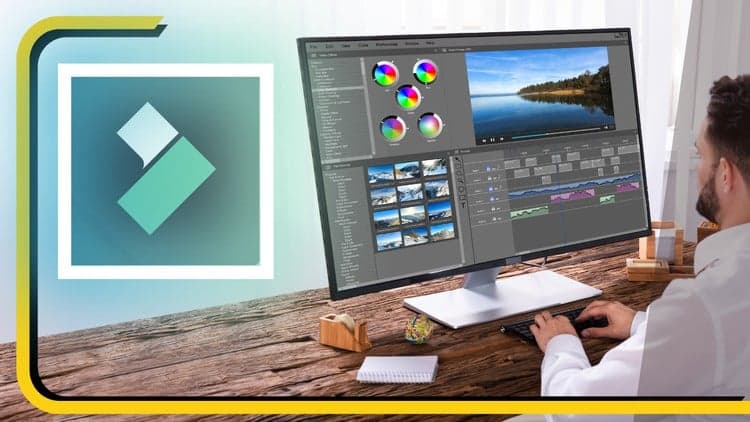
Learn Filmora for Video Editing Masterclass Course
Video Editing, Color Grading, Motion Graphics, Keyframes, AI Tools
Welcome to the "Learn Filmora for Video Editing Masterclass" on Udemy, your gateway to mastering the art of video editing with Wondershare Filmora, a powerful and user-friendly editing software. Whether you're a beginner aspiring to create captivating YouTube videos, social media content, or professional-quality films, this comprehensive course is tailored to cater to all skill levels.
Course Highlights:
Introduction to Filmora:
Navigate the Filmora interface and understand its features.
Learn how to import media files, organize your projects, and set up your workspace efficiently.
Basic Editing Techniques:
Master the fundamental editing tools such as cutting, trimming, and splitting clips.
Understand transitions, overlays, and effects to enhance the visual appeal of your videos.
Advanced Editing Skills:
Dive deeper into advanced editing techniques like keyframing and motion tracking.
Explore advanced effects, filters, and color grading to add a professional touch to your videos.
Audio Editing and Enhancement:
Learn how to work with audio, including adding background music, voiceovers, and sound effects.
Understand audio mixing and synchronization techniques for polished and engaging videos.
Text and Graphics:
Create dynamic titles, lower thirds, and text animations to make your videos visually engaging.
Utilize graphic elements, stickers, and overlays to add creativity and flair to your projects.
Special Effects and Advanced Features:
Explore Filmora's special effects library and understand how to apply them effectively.
Learn about advanced features like split-screen, green screen, and 3D LUTs to elevate your editing capabilities.
Exporting and Sharing Your Projects:
Understand the various export settings and formats for different platforms.
Learn how to upload your videos to YouTube, social media, and other online platforms directly from Filmora.
Hands-on Projects and Feedback:
Engage in practical, hands-on editing projects to apply your skills in real-world scenarios.
Receive constructive feedback and guidance on your projects to accelerate your learning process.
By the end of this masterclass, you'll have the confidence and expertise to edit videos like a professional using Filmora. Join us on this creative journey, and let's bring your video editing skills to the next level!
Sayman Creative Institute
🔥 Free for a limited time
Free Course Available!
Verified Coupon
Offer ends in
7FEC9CD2925B03C293BD• Auto-applied