

Course Overview
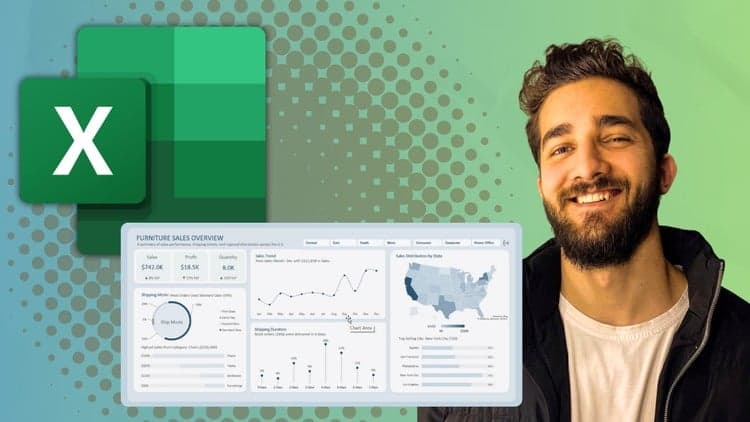
Excel Dashboard Design Mastery
Build Interactive, Executive-Level Dashboards That Drive Decisions
Most Excel dashboards are cluttered, confusing, and visually outdated. They show data , but they don’t communicate insight.
Excel Dashboard Design Mastery is a practical, step-by-step course that teaches you how to design clean, interactive, executive-level dashboards in Excel that actually support decision-making.
This is not just a “how to create charts” course. You will learn how to combine data structure, visual design principles, and interactivity to build dashboards that look modern, professional, and boardroom-ready.
Why This Course Is Different?
Most Excel courses focus only on formulas and features.
This course focuses on design clarity, structure, and presentation quality, the skills that make your work stand out.
In this short, comprehensive Course, you will learn:
Design structured, executive-style dashboards from scratch.
Apply layout systems (F-pattern & Z-pattern) for better information flow.
Use color theory and visual hierarchy to highlight what matters.
Build interactive dashboards using PivotTables, PivotCharts, and slicers.
Select the right KPIs and charts for different business scenarios.
Eliminate clutter and common dashboard design mistakes.
Create visually consistent, branded dashboards that make a difference.
Understand Excel’s powerful analysis tools that most users overlook.
Clean, transform, and prepare data efficiently using Power Query.
Build data models and manage relationships using Power Pivot for scalable dashboards.

Yahya Zobi
Offer has expired
Verified Coupon