

Course Overview
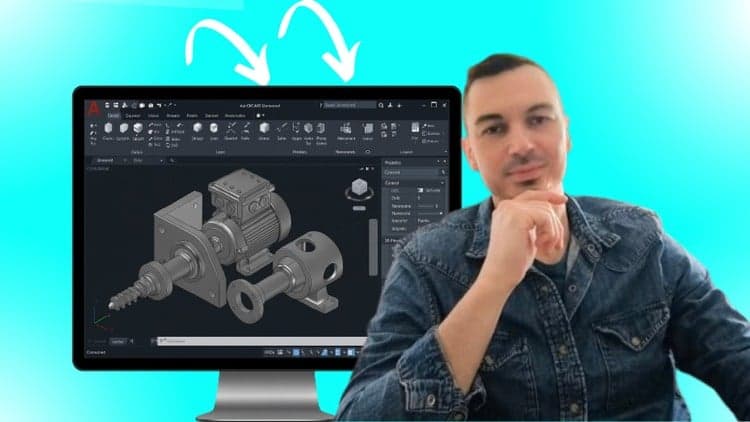
AutoCAD 3D: Complete Step-By-Step Course for Beginners
Master essential AutoCAD 3D tools using practical, real-world modeling examples - no experience needed
Master AutoCAD 3D Modeling Through Real Projects — Even If You’re a Complete Beginner
Most beginners struggle with AutoCAD 3D because:
They don’t know where to start
They feel overwhelmed by the number of tools
They lack real projects to practice on
They don’t know the correct modeling workflow used in industry
They only learn tools, not how to think like a CAD designer
This course solves all of that.
Whether you’re starting from zero or improving your current skills, you’ll learn AutoCAD 3D the right way — through clear explanations, practical exercises, and real-world modeling projects.
By the end, you’ll be able to design complete 3D models with full confidence.
What You’ll Learn Inside the Course:
1. Fundamental 3D Modeling Skills
• All primitive tools: box, cylinder, sphere, wedge, cone, pyramid, torus
• How the 3D coordinate system works
• How to navigate 3D space like a pro
2. Core Solid Modeling Tools (Beginner → Advanced)
You’ll master the essential commands used in real engineering:
• Presspull
• Polysolid
• Sweep
• Loft
• Revolve
• Union / Subtract / Intersect (Boolean operations)
• Section planes
• Converting 2D sketches into 3D solids
3. Editing & Modification Tools
• 3D Array
• Mirror
• Fillet
• Offset
• Move / Copy
• Taper
• Imprint
• Convert to solid
These are the tools that allow you to refine models and fix problems fast.
4. Professional Engineering Views
Learn how to create and work with:
• Orthographic views
• Section views
• Projected views
• Detail views
This prepares you for real design and manufacturing tasks.
5. Mesh Modeling Techniques
You will learn how to work with mesh models to create more flexible shapes.
6. Materials, Rendering & Scenes
• Apply realistic materials
• Set up lighting, cameras, and background environments
• Render photorealistic images for presentations and portfolios
7. Animation Training
Learn how to create smooth product animations to showcase your 3D work professionally.
By the End of This Course, You Will:
• Confidently create 3D models from scratch
• Understand the full AutoCAD 3D workflow
• Build real projects you can include in your portfolio
• Think like a professional CAD modeler, not just a tool user
• Apply for 3D CAD modeling or drafting jobs
• Offer 3D modeling services as a freelancer
• Add AutoCAD 3D confidently to your résumé
• Increase your earning potential with real skills
Even if you’ve never used AutoCAD before.
Why Learn From Me?
• Master’s degree in Mechanical Engineering
• SolidWorks Certified Professional (with extensive AutoCAD experience)
• 5+ years designing industrial machinery using AutoCAD, SOLIDWORKS & CATIA
• 48,000+ students across 12 engineering courses
• Average instructor rating: 4.5 / 5
I teach with a simple goal:
To make AutoCAD 3D easy to learn and practical to use.
Student Feedback:
★★★★★ “Best 3D AutoCAD course I’ve taken. Great explanation and very easy to follow.” – Rashid A.
BONUS:
Enroll now to receive lifetime personal email support for all AutoCAD questions.
30-DAY MONEY-BACK GUARANTEE
Try the course risk-free.
If you don’t see real improvement, Udemy will refund you instantly.
You have nothing to lose, and a complete AutoCAD 3D skillset to gain.
Click “Add to Cart” and start mastering AutoCAD 3D today.

Alen Oletic
Offer has expired
Verified Coupon